
My home agent can browse the web. It opens pages, reads them, clicks through flows, fills out forms, and reports back. Headless browsing, for all the memes, mostly works.
Then it hits the one thing it cannot handle: a step that needs me.
A login that demands a second factor. A CAPTCHA, which is specifically designed to defeat exactly this. A checkout that wants a human confirmation. A page that only misbehaves when nobody is watching. My agent has no shoulder to tap. It either guesses, fails, or sits there politely burning tokens until the session times out.
For a while I accepted that. The agent got the easy 95 percent of the web, and I handled the weird 5 percent myself, separately, starting over from scratch every time. Which meant two browsing lives: one automated and stateless, one manual and annoyed, sharing no cookies and no continuity.
This week I fixed it. And the interesting part was not the AI. It was a one-variable nginx bug.
The missing feature is a handoff
Once you name the problem, you see three doors.
Door one: a cloud browser service. There are several good ones, and they will happily sell you exactly this feature. But my agent's browsing includes my accounts, my email, my half-finished errands. Routing all of that through someone else's infrastructure, by the session-minute, felt wrong on both the privacy axis and the wallet axis.
Door two: run a visible Chrome on a machine in my house and beam the screen to myself with something like noVNC. Works. But it is a second browser, a second profile, a second pile of state — the agent still cannot drive the same session I am looking at.
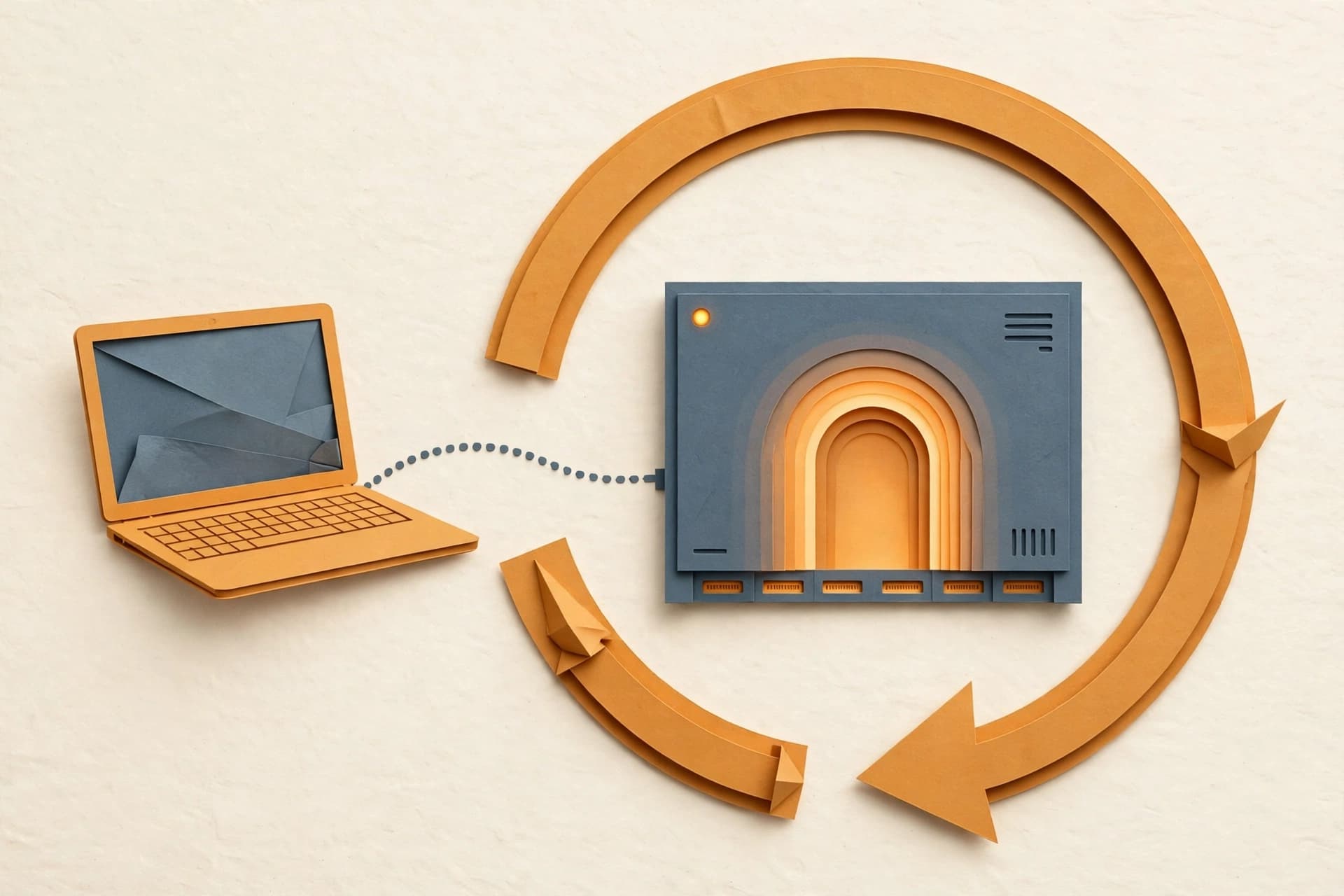
Door three: self-host a browser built for this. I picked Steel Browser — open source, Apache 2.0, roughly 7.4k stars on GitHub. Under the hood it wraps Chromium behind a REST API with full Chrome DevTools Protocol access and persistent sessions, so cookies and localStorage survive across requests. But the feature that sold me is the live session viewer: a web UI where a human can watch a running session — or grab it and take over.
Same browser. Same cookies. Same half-filled form. That last line is the whole product as far as I am concerned. Everything else is plumbing.
Thirty minutes of Docker, one very confusing bug
I keep a small ZimaOS box on my LAN for exactly this class of experiment, so Steel went there: API on port 3000, the session UI on 5173, and the CDP endpoint on 9223. The official Docker images make the whole thing a compose-file exercise.
Then I tried to connect my agent to the CDP endpoint, and it failed.
The failure was maddening because everything looked healthy. The API answered. Sessions were created. The live viewer worked. But the WebSocket connection my agent needed kept dying instantly.
Here is what was happening. When Chrome starts a debugging session, it advertises a WebSocket URL for clients to connect to, and it builds that URL from the Host header it sees. Steel's bundled nginx config forwarded the header like this:
proxy_set_header Host $host;
In nginx, $host is the hostname with the port stripped off. My request arrived as mybox.lan:9223, but Chrome saw mybox.lan. So it advertised a WebSocket URL with no port — and every client that trusted that URL connected to the wrong place and died.
The fix is one variable:
proxy_set_header Host $http_host;
$http_host is the Host header exactly as the client sent it, port included. I bind-mounted a corrected nginx.conf over the bundled one, restarted the container, and the advertised URL was suddenly telling the truth.
I love and hate this bug in equal measure. It makes perfect sense once you see it and absolutely no sense before. A reverse proxy quietly stripping the port is a classic for a reason — and WebSocket URLs derived from the Host header are the trapdoor underneath it.
What sharing a browser actually buys me
I wired Steel into my agent as a second browser profile, with its CDP URL pointed at the box on my LAN. The existing local headless profile stays for unattended scheduled work — nothing about that path changed.
Now the flow looks like this: the agent drives. I can open the live view at any moment and watch over its shoulder. When it hits the weird 5 percent — the two-factor prompt, the CAPTCHA, the confirmation dialog that wants a pulse — I take over, do the human thing, and hand it back. No re-login. No lost state. No starting over.
Two honest caveats, because the demo never shows these.
First: the self-hosted server is the open core. The company's cloud product adds CAPTCHA solving and residential proxies; the thing running on my ZimaOS box does not. It gives you the handoff, not a magic never-get-blocked button. That is the right tradeoff for me — I do not want my home browsing routed through someone else's proxy pool anyway.
Second: auth. Self-hosted Steel has no built-in authentication — I checked the repo and the docs before exposing anything. It sits on my LAN only, which I am comfortable with for now, and a network rework coming this weekend will isolate it further. If remote access ever becomes a need, the calculus changes and a reverse proxy with real auth goes in front of it. Do not skip this step just because the demo is fun. An unauthenticated browser API on a reachable network is not a homelab, it is a donation to the internet.
The seam is the product
Everyone building agent infrastructure right now is obsessed with the model — bigger context, better tools, faster reasoning. Fair. That is where the visible progress is.
But the thing that actually changed my daily experience this week was not a model improvement. It was a seam: the exact place where the machine's work becomes my work, and back again. Models get better on someone else's schedule. Handoffs you have to design yourself.
So here is the question I would ask anyone running an agent that touches the web: when it gets stuck on a step that needs a human, how long does it take you to step into the exact same session it was using?
If the answer is "I start over," you do not have an automation problem. You have a door problem. Build the door.