
My personal home server hit zero free space on its root filesystem. Not “getting close.” Zero.
That is the kind of alert that makes an otherwise boring maintenance job suddenly feel very loud. There was no need to turn it into a heroic recovery story, though. The useful move was smaller: make the storage bigger, verify the result, and leave everything else alone.
I explicitly kept the change to storage. No networking changes. No service changes. No reboot as part of the plan. The root filesystem simply had no room left to breathe.
That scope mattered more than any particular command.
A disk is not a filesystem
The part that trips people up with storage work is that “make the disk bigger” sounds like one operation. It is usually a stack of operations, and each layer has to agree with the layer above it.
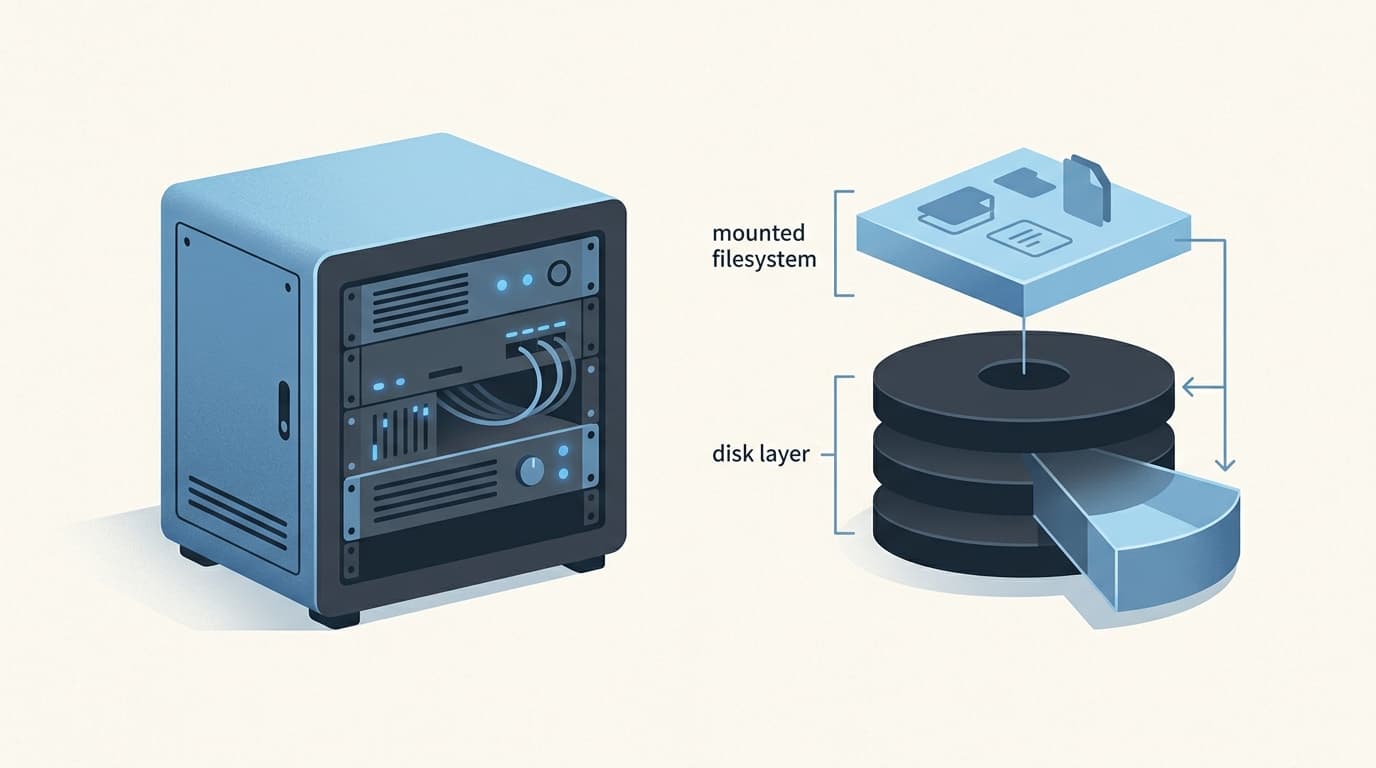
At the bottom, there is a block device. Above that might be a partition, a logical volume, or another container. Then there is the filesystem that actually holds files. In my case, the final filesystem was ext4.
Growing capacity at one layer does not automatically mean the filesystem has more usable room. An ext filesystem cannot be larger than the partition or block-device container that holds it. So before resize2fs can expand ext4, the layer underneath has to have enough capacity.
That sounds obvious after the fact. Under pressure, it is exactly the sort of detail that gets flattened into “I resized the disk, why is nothing different?”
The storage stack is not being fussy. It is being literal.
Narrow changes are easier to trust
A full root filesystem can make every nearby symptom look connected. Mixing unrelated changes into the same maintenance window is how a small task turns into a foggy one.
So I kept the questions separate:
- Is the immediate problem that the root filesystem has no free space? Yes.
- Is there a documented storage path to give it more capacity? Yes.
- Does that require changing services or network settings? No.
Once the last answer was no, those things were out of scope.
That is not glamorous, but it makes verification meaningful. If I change one category of thing and the filesystem reports more free space afterward, I have a clean result to check. If I alter half the machine in the same session, I get a success screen with a side of unnecessary mystery.
Home-server maintenance is already a hobby with enough opportunities for chaos. I do not need to manufacture extra ones.
resize2fs is the final layer, not the whole job
For ext filesystems, resize2fs is the tool that grows the filesystem. The manual is very clear about its boundary: it does not resize partitions. The containing partition, logical volume, or other block-device layer needs to be ready first.
That distinction is worth keeping in your head even if your setup differs from mine. “Disk capacity” and “filesystem capacity” are related, but they are not interchangeable phrases.
When the running kernel and filesystem support online resizing, an ext4 filesystem can be expanded while mounted. And when resize2fs is run without a target size, it can use the available space in its containing device. That was the path I verified on this server: the mounted root filesystem expanded online, then reported the added room.
Online does not mean casual. It means a reboot was not required for this specific filesystem-growth step under the supported conditions. The layers still need to be understood first, the change kept narrow, and the outcome checked rather than assumed.
There is a huge difference between “the command completed” and “the filesystem is now the size I expected.” The first is a tool result. The second is the actual maintenance result.
Verification is where the confidence comes from
The final check was not optional paperwork. The whole point of this job was to confirm that the root filesystem had grown and that free space was available again.
Verification belongs inside the change itself:
- Confirm the underlying storage layer has capacity available to the filesystem.
- Expand the ext4 filesystem only after that relationship is correct.
- Check the mounted root filesystem afterward, not just the command’s exit status.
- Stop once the intended result is verified.
That last line is my favourite one. Stop.
There is always another cleanup task, tuning idea, or “while I’m here” thought waiting nearby. Sometimes those are worthwhile. They should be separate work with their own reason for existing, not hitchhikers on an urgent storage expansion.
I also do not want to pretend that every system will take the exact same path. Online ext4 growth depends on the running kernel and filesystem supporting it, and the lower storage layer can look very different from one home setup to another. The transferable lesson is not a magic incantation. It is respecting the order of operations.
The boring fix is the good fix
The server had space again after the mounted ext4 root filesystem was expanded and verified. That is the entire win.
No dramatic reboot. No unrelated configuration rewrite. Just a constrained storage change that solved the stated problem.
I think that is the maintenance habit I want to keep: when something is urgent, make the smallest well-understood change that addresses it, prove that it worked, and resist the urge to turn one problem into a renovation project.
Zero free space is stressful. The fix does not have to be.