
On October 28, ConnectWise began phased restoration of Cloud Backup, the Microsoft 365 backup service formerly known as SkyKick. Partners must re-authorize each tenant through a new application, "ConnectWise Cloud Backup for M365." Welcome news after two weeks without a restorable backup, but not the end of the incident. Re-authorization restores a service. It does not prove a tenant is clean. ConnectWise says so itself: re-authorization alone does not confirm that backups have resumed, and tenants still need their own investigation. Hunt first, re-authorize second, verify the snapshots after.
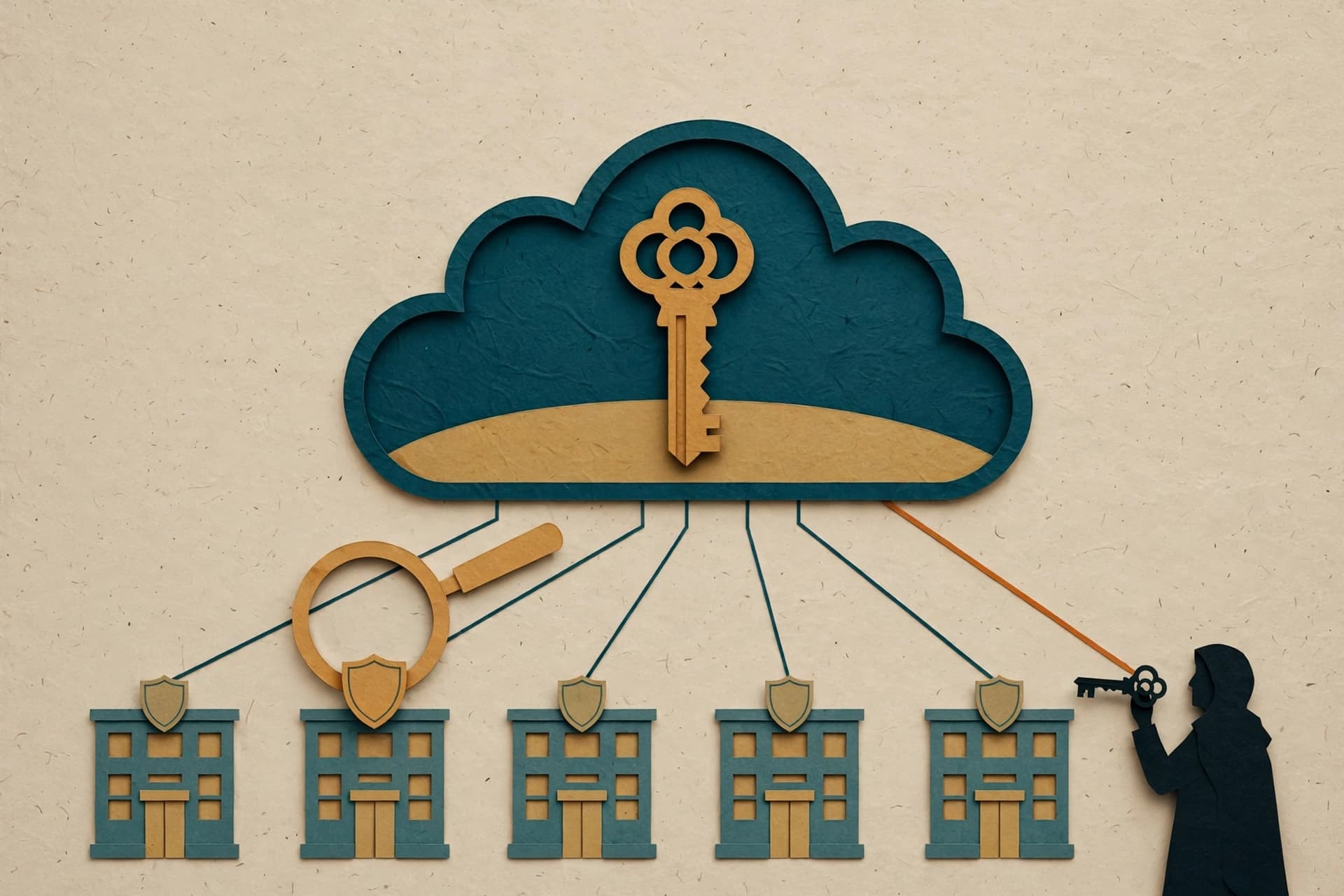
The durable idea here is one every Microsoft 365 admin should sit with. The attacker did not phish a user, steal a password, or defeat multifactor authentication. The attacker signed in as a trusted application, using a credential that lived in the vendor's environment, and inherited permissions customers had already granted. No person signed in, so the usual user-focused controls had nothing to say about it.
What happened, in the order that matters
The public record comes from ConnectWise, Microsoft, Huntress, and Todyl. The numbers describe different things at different times: a sign-in attempt is not a confirmed compromise, and a successful sign-in is not proof that data was read.
| Date, October 2026 | What the sources report |
|---|---|
| 10 to 14 | Password spraying from 144.172.64.99: over 151,000 failed sign-ins, 327 accounts, eight organizations. No success, per Microsoft. |
| 14 | ConnectWise says it identified the issue and began investigating. |
| 15 | Compromised ConnectWise credentials used to sign in to tenants as the application itself, from 144.172.64.128, in ascending tenant ID order. |
| 16 | First ConnectWise advisory. Huntress confirmed unauthorized sign-ins in 162 tenants as of 19:00 UTC. |
| 17 | ConnectWise disabled seven application identities at 07:00 UTC and suspended Cloud Backup. Huntress later counted activity from the attacker IP in almost 1,000 tenants, over 300 successful. |
| 19 | ConnectWise completed a full credential reset in the affected Cloud Backup environment. |
| 21 | Microsoft attributed the campaign to Storm-0940, a China-state aligned actor tracked since 2021, using the ARTEX agentic AI framework. Attempts against over 2,250 tenants. |
| 28 | Phased restoration began through a new application. Partners must re-authorize each tenant; the old disabled applications must stay disabled unless ConnectWise instructs otherwise. |
What the logs prove, and what they do not
Be precise here, because the coverage gets loose. Microsoft's October 21 report is confident: Storm-0940, ARTEX, machine speed, under three hours from targeting to privileged access in several environments. Huntress is more careful. It says its telemetry aligns with Microsoft's findings but does not independently confirm them, and it puts confidence that a language model was involved in the escalation tooling at low to medium on its own telemetry, medium to high with Microsoft's attribution included.
What the logs do show is adaptation between runs: tooling changing in under a minute after a failure, a retry loop appearing after a failed certificate upload, and a sequence piloted in one tenant then run as a batch in others. A script repeats itself. Something here read a failure and changed approach, and it moved faster than a weekly log review can catch.
There is also a visibility limit. Graph reads are not recorded in the Entra audit log, Huntress notes, and no victim it knew of had Graph activity logging enabled. In tenants with an active backup subscription, Todyl adds, read activity cannot be attributed to the attacker or to the backup service, because both use the same application identity. Absence of confirmed exfiltration is partly a logging limit, not a clean result. Treat affected data as potentially exposed.
Disabling the app was step one. Persistence was step two.
Disabling the seven identities stopped new authentication through those connections. It did not reverse changes previously made inside a tenant, and previously issued tokens could remain usable until they expired. The credential reset on October 19 likewise does not remove anything planted inside a customer tenant. That part lands on the MSP or tenant admin, and it is the part most likely to be skipped under pressure to restore backups.
In some environments, Microsoft observed Graph reconnaissance, credential changes, and attempts to modify privileges. In nearly 50 tenants Huntress monitors, Cloud Management service principals assigned themselves directory roles, mostly Exchange Administrator. In one tenant, a second ConnectWise application added itself to Global Administrator and added secrets to two other applications, in about five minutes. A credential added to a different application survives the original application being disabled. That is persistence, and it is why a tenant hunt is not optional.
Before you re-authorize, hunt each tenant
Do this per tenant, including tenants where the integration is no longer in use. Search by application ID, not display name, since older installations may show SkyKick names. Record the local service principal object ID for each disabled identity, preserve the logs, and do not delete the enterprise applications as a first response.
| Check | What you are looking for |
|---|---|
| Service principal sign-ins | Sign-ins by the seven IDs from October 1 onward, focused from October 15, successful and failed separately, not limited to the published IPs. |
| Credential changes | Secrets or certificates added to any application, especially around October 15, including credentials added by a ConnectWise application to a different application. |
| Roles and consent | New privileged role assignments, consent grants, and new applications, service principals, or owners. |
| Mail and file activity | Unusual mailbox access, downloads, forwarding or inbox rules, delegated mailbox permissions, and SharePoint or OneDrive activity from unusual sources. |
| The new application | After re-authorization, confirm new snapshots actually complete. A gap with no verified restore is not back to normal. |
If you find an unauthorized credential, grant, owner, or role assignment, remove it only after preserving evidence. No sign-ins in a tenant is good news, not a reason to skip the credential and role review.
The durable lesson: app identities need the same scrutiny as people
Most tenants review user accounts, MFA, and Conditional Access on a schedule. Far fewer review which applications hold standing, tenant-wide permissions, who consented, and whether anyone watches their sign-ins. Cloud Backup needed broad permissions to do its job. That breadth was the product working as designed. The risk was that the permissions were standing, barely monitored, and trusted because a known vendor held the key.
Three boring habits would have changed the shape of this incident: a scheduled inventory of highly privileged enterprise applications, with stale integrations removed; monitoring of service principal sign-ins and credential changes with the same urgency as user sign-in anomalies; and Graph activity logging enabled before an incident, so application reads can be attributed afterward. None are new products. All get deferred because nothing is on fire.
The AI angle deserves the same treatment. Agentic frameworks at machine speed are real, and Microsoft's report shows what that speed buys an attacker with stolen credentials. But speed is not a new vulnerability. It is an amplifier for access already granted. The tenants that fare best next time will be the ones whose application inventory is current, whose service principal logs are actually collected, and whose restoration was verified rather than assumed.
Take the restoration path ConnectWise published: the new application, tenant by tenant, snapshots verified afterward. Just do not mistake the vendor's recovery for your own. The credential lived in the vendor's environment. The persistence, if any, lives in yours.
Sources
- Cloud Backup (formerly known as SkyKick) Service Interruption, ConnectWise Trust Center, originally published October 16, 2026, updated October 28, 2026
- AI-driven, large-scale nation-state campaign using ARTEX enables supply chain compromise, Microsoft Security Blog, October 21, 2026
- AI, Scripts, Operator: Inside the ConnectWise Attack, Huntress, October 2026
- Investigation: Unauthorized Access Through the ConnectWise Cloud Backup Microsoft 365 App, Todyl, updated October 26, 2026
- ConnectWise Suspends Cloud Backup After Attackers Compromise Microsoft 365 Tenants, The Hacker News, October 2026