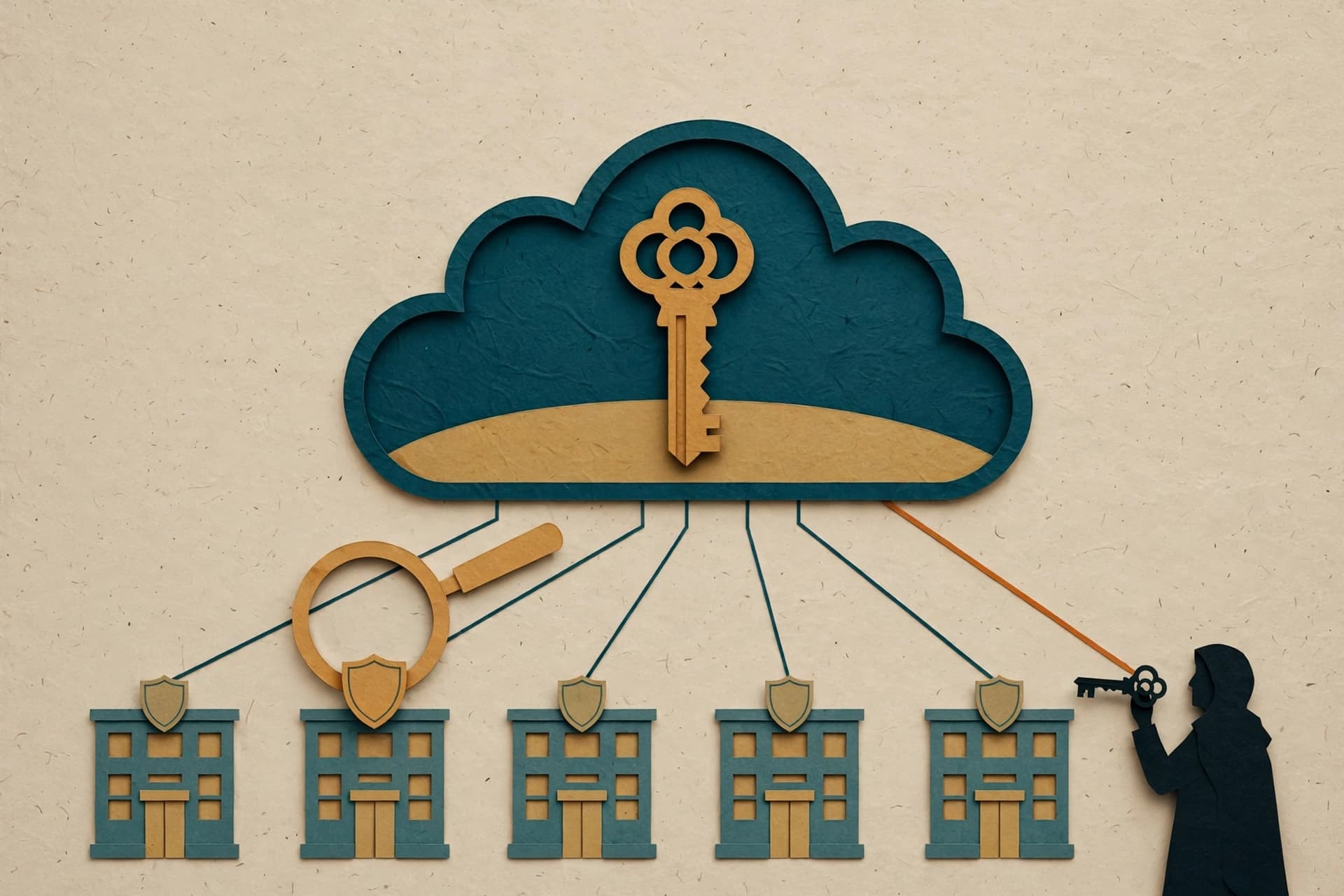

I like automation most when it has a fence around it.
That sounds less exciting than “let an agent build all my workflows,” but I’ve been thinking about setting up n8n at home and that boring sentence is the whole point. The tempting version is obvious: give an agent access, describe a job, and let it wire together nodes while I pretend I have become a ten-person operations team.
The less glamorous version is better. Before anything gets permission to create or change a workflow, I want to be clear about what it is allowed to touch, what it can inspect, and where the secret stuff lives.
I have not deployed this n8n container yet. This is planning, not a victory lap. But planning the boundaries before the shiny dashboard appears feels like one of those small decisions that saves a future me from doing incident response in slippers.
The workflow is not the secret
A workflow definition is mostly logic: triggers, steps, conditions, and the shape of data moving from one place to another. That makes it portable and reviewable. It is the part I would want an agent to help assemble, because it can be treated like a draft.
Credentials are different.
They are the keys that turn a harmless-looking workflow into something with real access. Mixing those two concerns is how a convenient automation turns into a tiny haunted house. You export a workflow to inspect it, share it for help, or move it between environments, and suddenly it carries things that were never meant to travel with it.
n8n’s own export/import documentation makes this distinction worth taking seriously. Workflow exports can include credential names and IDs. An HTTP Request node brought in from cURL can also carry authentication headers. So “the secret is not in the workflow” is not a magic guarantee. It is a habit I need to enforce: keep secret values in n8n’s credential system or another secrets store, and sanitize any workflow JSON before it leaves my machine.
That is not paranoia. It is just recognizing that a JSON file can look boring right up until it is not.
An API is useful because it is inspectable
n8n provides a public REST API for many of the same workflow-management tasks available in its GUI. Public here means supported and documented, not “please expose this to the entire internet and see what happens.”
For the kind of setup I am considering, that API opens a sensible possibility: an agent could help produce or update a workflow definition through a controlled interface instead of clicking around blindly in a browser. The official n8n CLI uses that API too. It can create workflows from JSON and list recent executions.
That is useful, but it does not mean I want to hand over unlimited access and call it a day.
The good version of this setup would make every change legible. An agent suggests or creates a workflow. I can inspect the definition. Credentials are attached separately. Executions can be checked afterward. If something looks weird, I have an object to review instead of a vague memory of which buttons were clicked.
Browser automation has its place, but a documented API is much easier to reason about. It gives the system edges.
Permissions are part of the design
The first automation I build will probably be tiny. That is deliberate.
A small workflow gives me room to learn how n8n represents things, how exports behave, and what the API actually exposes without attaching it to anything that matters. It also makes it easier to answer the uncomfortable questions early:
- Can this access create workflows, or only read them?
- Can it inspect executions without being able to change definitions?
- What happens if it receives malformed workflow JSON?
- What does a review step look like before a change becomes active?
- If I export a workflow, what metadata needs to be removed before I keep or share the file?
The answer will depend on the n8n edition and setup. Its documentation notes that Enterprise API keys can be limited with scopes, while non-Enterprise keys have access to the account’s resources and capabilities. That is a meaningful difference, not a footnote.
If an access key is broad, then the surrounding process needs to be stricter. I should not treat a broad key as permission to automate every decision. It is a reason to narrow the workflow’s job, keep the environment private, and put review points where they actually matter.
“Can an agent build it?” is the wrong first question
The first question is not whether an agent can create an n8n workflow through the API. It can help with that kind of work. The better question is: what is the smallest safe job I can give it?
I am leaning toward a workflow-as-draft model. The agent can work on structure: nodes, connections, conditions, and descriptions. It can help turn a plain-language idea into something I can inspect. But the final attachment of credentials and activation of anything that reaches outside my home-lab setup should stay a deliberate step.
That split also makes debugging less stupid.
When an automation fails, I want to know whether the logic was wrong, the input was weird, or the access was missing. If everything is bundled together behind one all-powerful integration, every failure becomes fog. Separate the workflow from the credential and at least the mess has labels.
There is a tradeoff, of course. More boundaries mean more setup. A polished demo where an agent spins up a complete integration in one shot will always look cooler. I am fine with boring here. The exciting part is not watching a workflow appear. The exciting part is being able to trust it enough to leave it alone.
Start narrow, then earn more automation
I am still at the container-planning stage, so I do not know yet which approach will feel smooth in practice. I may find that the first useful workflow does not need an agent at all. That would be a perfectly good outcome.
But the principle already feels solid: workflow definitions should be reviewable, credentials should be handled separately, and access should be granted for a job rather than for the fantasy of unlimited automation.
The best home-lab automations do not feel clever every minute. They quietly do one useful thing, fail in understandable ways, and avoid becoming the most mysterious box in the room.
That is the target. Build the fence first. Then let the robots roam inside it.