
I thought I had built an automatic release workflow. Then it politely stopped and waited for me to press a button.
Not because a test had failed. Not because a deployment had exploded. The release pull request had simply opened, sat there with a workflow marked as needing approval, and stared at me like a self-checkout machine that had decided I looked suspicious.
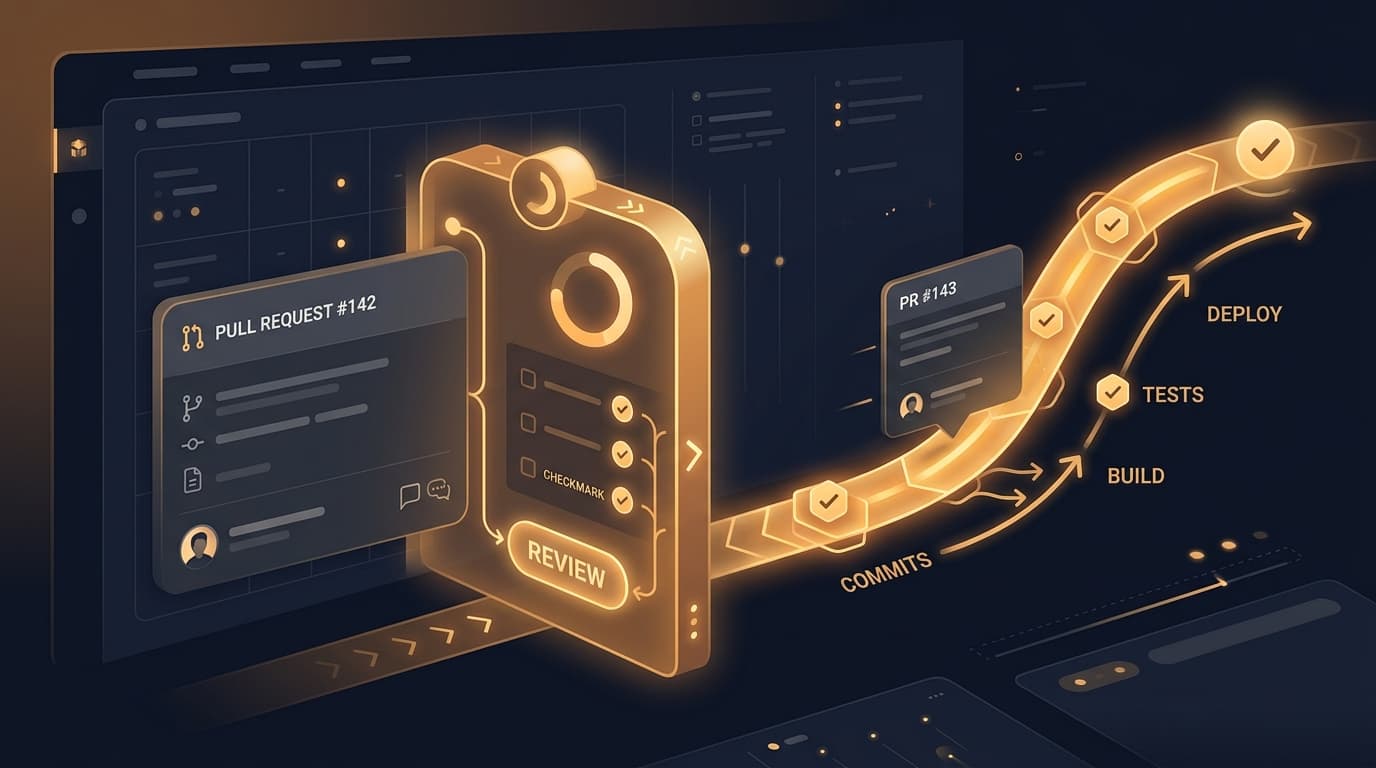
That felt backwards. The whole point of the setup was that releases should be boring: commits land, a release PR appears, checks run, I merge it when I am ready. I do not need a tiny human-in-the-loop ceremony just to let the same tests run on a pull request created by my own automation.
The annoying part was that the rest of the repository made the failure look personal. Dependency-update PRs were running their checks normally. Regular PRs were fine. Only the release PR was parked behind the gate. So this was not a broken CI system. It was an identity problem.
The rule I had forgotten
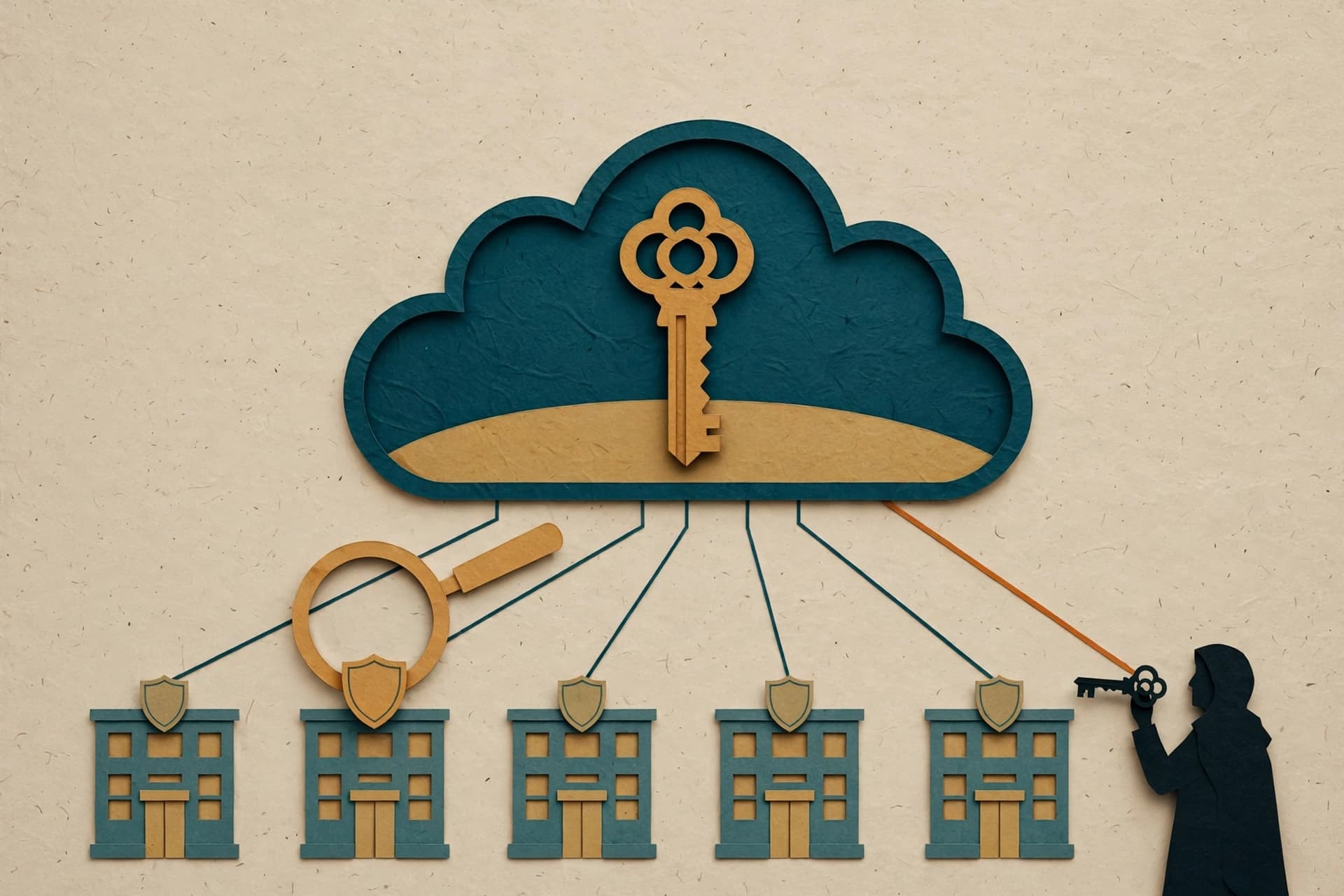
GitHub Actions gives every workflow a built-in GITHUB_TOKEN. It is useful on purpose: a workflow can read the repository, open an issue, create a pull request, update a release, and do a bunch of ordinary repository work without me pasting a long-lived credential into a config file.
There is an important safety boundary attached to that convenience. When one workflow uses that built-in token to create or update something, GitHub does not automatically treat the resulting event as permission to launch another workflow chain. Otherwise a workflow could create an event that starts a workflow that creates another event that starts another workflow, and suddenly my modest release helper has discovered recursion.
That is a sensible default. It is also exactly why my release PR was different.
My release helper was creating the pull request with the workflow token. From GitHub's perspective, it was automation talking to itself. The CI workflow did not get the ordinary trigger path I expected, so it waited for approval instead of immediately doing its job.
The key lesson is easy to miss because the pull request itself looked completely normal. Same repository. Same branch protection. Same files. Same tests. But the identity that created it changed what GitHub allowed to happen next.
Why the dependency PRs made this confusing
The obvious question was: why were dependency-update PRs not stuck too?
Because GitHub does not treat every automation actor identically. Some integrations have their own event and permission behavior. The practical lesson was not to memorize every exception; it was to stop reasoning from the pull request's appearance alone.
When automation behaves differently for two nearly identical PRs, I now check these things first:
- Who created the PR: a human account, a GitHub App, a workflow token, or a bot integration?
- Which token performed the write?
- What event is supposed to trigger the next workflow?
- Does the next workflow have an explicit security rule that limits events from that actor?
- Is the block a failed check, a branch-protection rule, or an approval gate?
Those questions are much faster than staring at YAML and accusing the indentation of sabotage. I have done that enough times to know the indentation is occasionally innocent.
The fix: make the handoff intentional
For this case, the release workflow needed to create its pull request with an identity that could intentionally trigger the repository's normal checks. That means using a separately managed credential or an app identity with only the permissions the release flow needs, then wiring the release action to use it instead of relying on the default workflow token for that particular handoff.
That wording is deliberately less magical than “use a better token.” Credentials are not interchangeable plumbing. They decide which actions are allowed to cause other actions. A token that is perfect for updating a changelog can still be the wrong choice if the next step is supposed to launch CI.
There is a tradeoff, of course. The built-in token is attractive because it is short-lived and scoped by GitHub. A separate credential is more powerful in this narrow path, so it has to be treated with more care. I keep the scope tight, store it in the repository's secret store, and use it only for the release automation. No copied token in a shell command, no general-purpose credential doing ten unrelated jobs because it happened to be available.
Once I made that handoff explicit, the release PR behaved like the rest of the repo: it opened, the checks ran, and the automation went back to being boring. Boring is an underrated feature in deployment systems.
The better mental model
I used to think of CI as a row of boxes: create PR, run tests, merge, release. Now I think of it as a set of boundaries between actors.
Each box asks two questions:
- What event happened?
- Who is allowed to make that event matter?
That is why a workflow can look healthy from the outside while still pausing at an unexpected place. The code may be correct. The test command may be correct. The trigger may even be spelled correctly. But if the actor that produced the event is deliberately prevented from fanning out into another workflow, the system is doing exactly what it was designed to do.
This is also why “fully automatic” never means “never inspect it again.” It means the normal path has clear identities, narrow permissions, visible checks, and a failure mode I can explain without chanting at the Actions tab.
The fix took less time than my initial confusion, which is usually how these things go. The workflow did not need more approval. It needed the right identity at the one boundary where an automated handoff was meant to become a normal pull request.
When an automation pauses in a place that makes no sense, the next question is not always “what code failed?” Sometimes it is simply: who did this, and what are they allowed to trigger?