
A software update should not make me curious about the settings page. Usually I want it to preserve my config, stop breaking things, and quietly disappear into the background.
OpenClaw 2026.8.1 did the opposite. I upgraded, ran the migration repair, and then spent time looking at the web UI because it finally feels less like a control panel attached to chat and more like a place where work can actually happen.
That distinction matters when a conversation is no longer just a few messages. Once I am juggling a long-running task, several threads, files changing underneath it, and a few things waiting for my attention, a plain transcript is not enough. I need to be able to find the thread, understand its state, and decide what happens next without reconstructing the whole story from memory.
Search changes the shape of old conversations
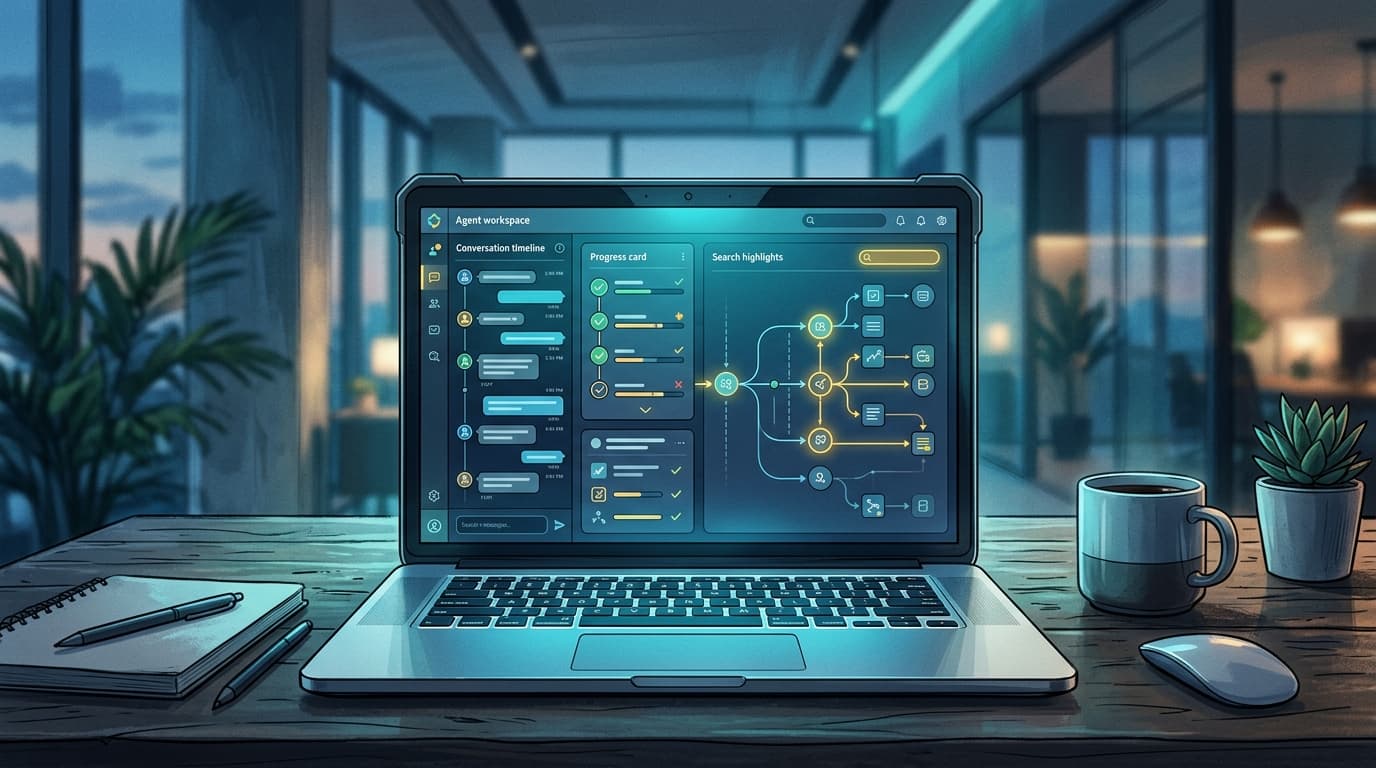
The feature I expect to use most is conversation search. The release adds exact word and phrase search over visible conversation text, then lets you reopen the messages around a result.
That sounds boring until you have tried to find the moment where a decision was made. I have lost plenty of time scrolling through a chat for the one sentence that explained why we chose an approach, which link had the useful documentation, or whether an earlier problem was actually solved.
Search turns an old conversation from a diary into something closer to a working record. The important part is not merely finding a matching word. It is landing back in the surrounding context, where the trade-off and the next action usually live.
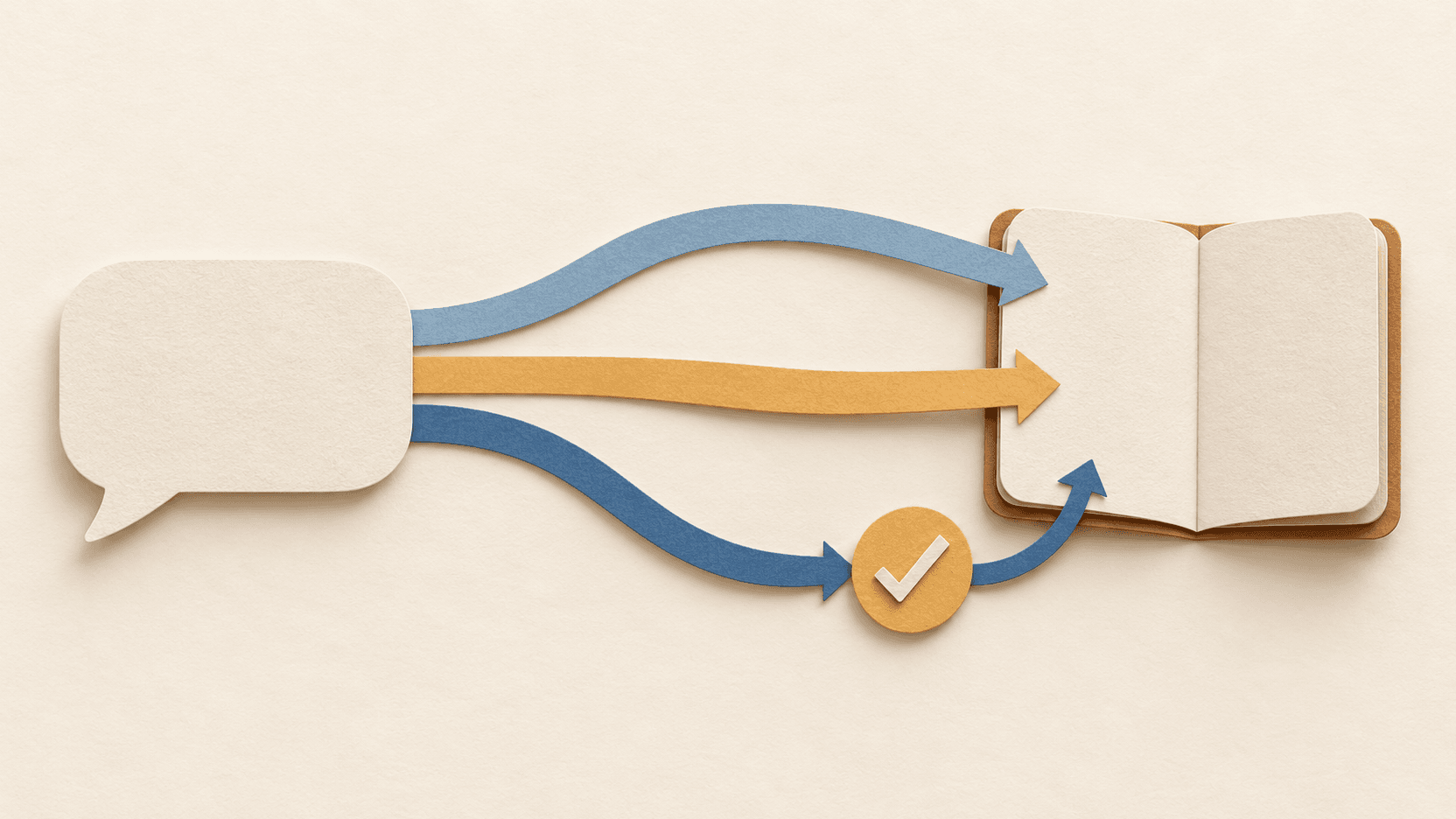
The release also brings branching and rewind-style conversation controls. I like the idea of being able to explore a different path without pretending the original path never happened. In technical work, that is normal: try a direction, learn something, keep the useful context, then take another route. A chat interface should not make that feel like deleting history.
Progress needs to survive a reload
The other change that caught my eye is durable progress cards. They survive a reload and can show subagent activity and accumulating edits while work is underway.
This is one of those things that sounds cosmetic until a task takes longer than a coffee break. A normal chat transcript is great for reading the final answer. It is much worse at answering basic operational questions:
- Is this still running or did it stall?
- What has already been checked?
- Are files actually changing?
- Did the work split into smaller pieces, and where are those pieces now?
A durable status surface does not replace good reporting, but it removes a lot of guesswork. Reloading a page should not turn a live task into a tiny mystery novel where I have to infer the plot from the last visible message.
I am especially interested in the edit visibility. When work produces real files, a running list of changes is more useful than a vague spinner. It gives me something concrete to review and makes it easier to spot when a task has wandered into a different scope than I expected.
The UI is becoming a workspace
The web UI improvements are not just about prettier chat bubbles. There are session dashboards, interactive widgets that can be pinned, structured questions with buttons or free-text answers, and a prompt queue that can be edited or reordered.
That last one is quietly practical. When I remember a better question while something is still running, I do not always want to interrupt it immediately. Being able to queue, revise, and reorder the next instructions is closer to how I manage real work: capture the thought, decide its priority, then send it at the right time.
Structured questions are similarly useful. Some decisions are not essays. They are a choice between two safe options, a request for one missing fact, or a clear skip. Giving those decisions a proper interface should make approvals less ambiguous and reduce the ritual of translating simple choices into carefully worded chat replies.
The dashboard idea is where this starts to feel like a genuine workspace. A conversation can hold widgets and visible state rather than forcing every useful output into a paragraph. That is a better fit for ongoing projects, monitoring, and anything with a visual result.
The update still deserves caution
None of this means I would update blind. This release has real migration changes. OpenProse is removed, and older codex/* or openai-codex/* model references move to openai/*. The official path is to run openclaw doctor --fix, but an automatic repair is not a substitute for checking the result.
My post-update checklist is deliberately unglamorous:
- confirm the Gateway starts cleanly;
- verify the models and routes I actually use;
- open the important chats and scheduled jobs;
- make sure integrations still work;
- check that the new defaults around memory and learning match what I want.
The release adds more ambitious memory features, including personal conversation recall and background memory consolidation. Those may be useful, but defaults involving retained context deserve an actual look. Convenience is nice. Knowing what is enabled is nicer.
My takeaway
The best part of this release is not one flashy feature. It is that the interface is starting to acknowledge that agent work has state: past decisions, current progress, pending questions, files, and alternate paths.
Chat is still the right front door. But for longer work, it cannot be the whole building. OpenClaw 2026.8.1 makes the web UI feel more like the room where I can see what is happening and steer it without losing the thread. That is the kind of upgrade I notice long after the version number stops being new.