
On Friday, September 25, a vendor sent its customers an email with a sentence nobody wants to read: shut your system down. All of it. For nine hours. Not a patch, not a config change — power it off and leave it off.
The vendor was Kiteworks, a secure file-sharing platform (formerly Accellion) used by thousands of enterprises and government agencies, protecting over 100 million end-users. The reason given was "credible threat intelligence from federal intelligence authorities" that a threat actor might target Kiteworks systems. Some coverage characterized the scare as a potential zero-day — the vendor itself never used that word. Kiteworks said it had no indication any system had been compromised and framed the advisory as preventative.
Then on Sunday, September 27, the advisory was lifted. All systems back online. No CVE. No technical details. No confirmed breach.
That non-event is exactly why this is worth writing about. The story isn't the attack that might have happened. It's the exercise the industry just got for free: what happens when a vendor says "turn it off, now"? Could you have done it?
The advisory is the easy part
Getting a vendor advisory is trivial — it's an email. Acting on one is a capability, and it has several parts: an inventory of where the thing runs, a shutdown and startup runbook, a comms plan, and preserved logs. Most shops can apply a monthly patch. Far fewer could power down a production file-transfer platform for nine hours on a Friday afternoon and bring it back cleanly on Sunday.
Kiteworks drew the line explicitly in its advisory: customers who self-manage their systems — on-premises, AWS, or Azure — shut things down themselves. Kiteworks shut down the systems it hosts on customers' behalf. One email, two different action plans. If you couldn't answer "which of my systems am I actually responsible for turning off?" within minutes of reading that email, you don't have an ops plan for vendor advisories — you have an inbox.
"Shut it down" is a runbook you probably don't have
There is a difference between yanking power and shutting a system down well, and it matters most exactly in this scenario. A file-transfer platform has active sessions, scheduled jobs, API integrations, and database state. An orderly shutdown means draining sessions, pausing scheduled transfers, quiescing the database, and only then powering off. Skip that and your Sunday restart becomes a corruption cleanup.
You don't need a 40-page runbook. You need, per critical system: the order things stop, the order they start, how to verify each layer is healthy, and who does what. Keep a copy somewhere that survives the outage itself — a runbook stored on the system you're powering down is a diary, not a tool.
Preserve the evidence before the lights go out
Here's the part most people miss. If an attack was genuinely imminent, the logs covering that weekend are the forensic record: who connected, what ran, what changed. If your logs lived only on the box you powered down — and stayed there — you turned off both the target and the evidence.
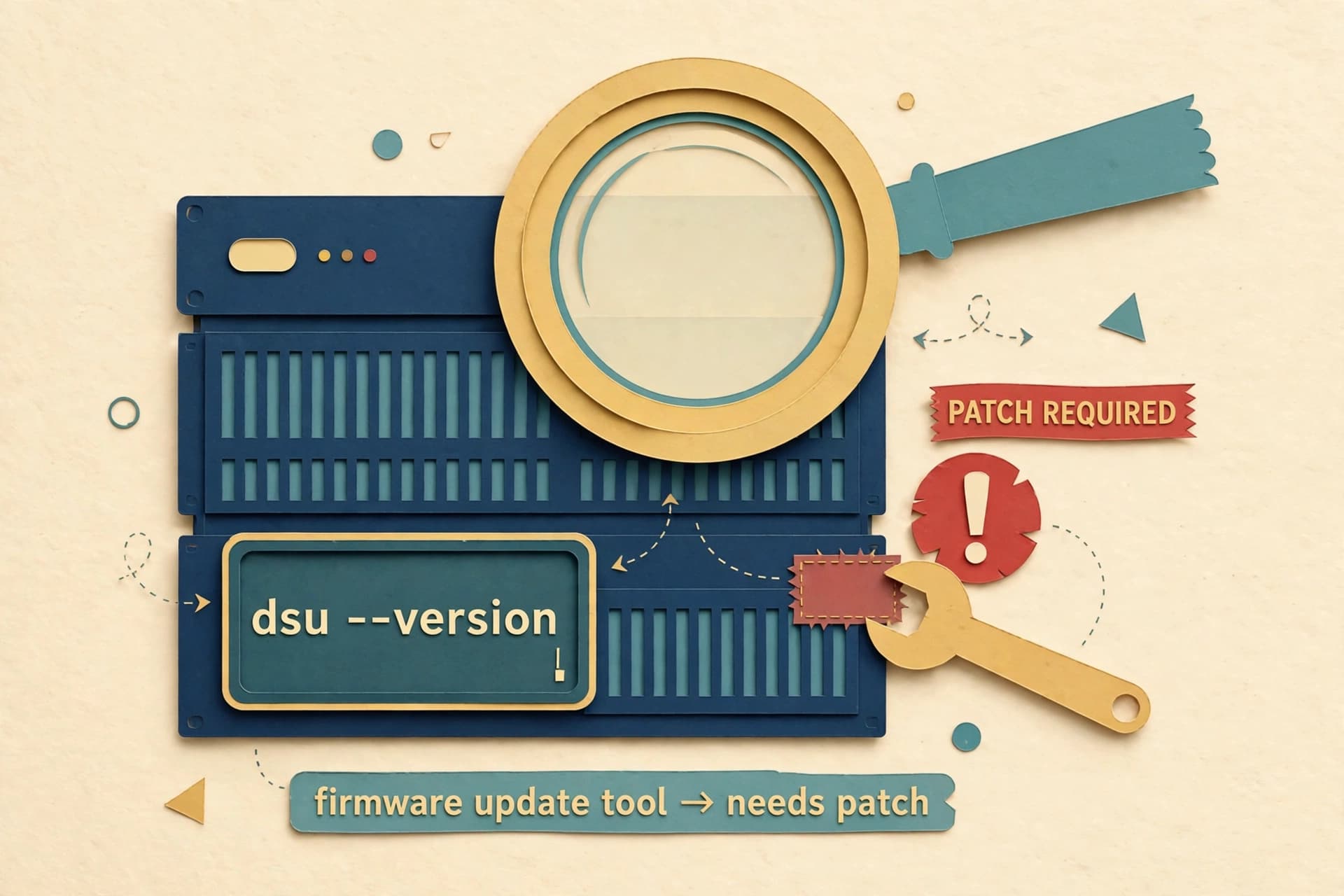
Before any shutdown, export logs to a store that survives the outage: a SIEM, an object-storage bucket with retention, anything independent of the system itself. On restart, you then need baseline verification: expected services running, correct version (Kiteworks told customers to run 9.5.1), no unexpected accounts or processes. Boring, and the only way to say "clean" with a straight face.
Trust the intel, verify the vendor
A healthy skeptic asks questions about this advisory. No CVE was ever assigned. No technical details were disclosed. The intelligence source was unnamed. You cannot verify the intel — but you can verify the vendor's handling of it, and that's where your judgment should land. Ask:
| Question | Why it matters |
|---|---|
| Is this on the vendor's official channel? | Advisories can be spoofed; confirm via the vendor's portal or status page, not just email |
| Who acts — us or them? | Self-managed vs. hosted splits the plan, as Kiteworks' advisory showed |
| What's the shutdown and restart order? | Dependencies decide the sequence; ask support if the runbook is unclear |
| What version should we be on at restart? | Kiteworks specified 9.5.1 — version requirements are part of the advisory |
| What should we keep for review? | Before/after logs and a timeline make the post-incident review possible |
History adds context without proving anything. Kiteworks is the renamed Accellion, and in late 2020 and early 2021 the Clop group exploited zero-days in its file-transfer product for a data-theft and extortion campaign. That doesn't make this weekend's advisory correct, but it explains why a cautious CISO would rather pull the plug on a false alarm than gamble on being wrong. Skepticism is a virtue; refusing to act because the intel is imperfect is a different thing.
The drill: six things to do this week
You can't practice a real vendor advisory, but you can build everything it needs:
- Subscribe. Every critical vendor's security advisory feed, status page, or mailing list — in your monitoring, not your spam folder.
- Inventory. For each critical system, record: deployment model (self-managed vs. vendor-hosted), who is authorized to shut it down, and the orderly-shutdown steps.
- Runbook. Write the shutdown/startup sequence with dependencies and verification checks. Keep a copy offline from the system itself.
- Logs. Confirm critical logs ship to an independent store with retention — not just local disk.
- Comms template. Pre-write the "emergency maintenance" notice so nobody is drafting under pressure at 4 PM on a Friday.
- Rehearse. Walk through one system's shutdown order at the next maintenance window. A dry run beats a blank page.
Sources
- Kiteworks Precautionary Shutdown Advisory for Customers — Kiteworks press release, September 25, 2026 (updated September 27, 2026)
- Kiteworks Urges Customers to Shut Down Systems for 9 Hours Over Possible Cyber Attack — The Hacker News, September 26, 2026 (updated September 27, 2026)
As far as anyone has disclosed, nothing happened this weekend — the best possible outcome of a bad weekend, and free training. The next advisory might carry a real zero-day behind it, or it might be another false alarm. Either way, the shop that can turn things off and bring them back cleanly is the shop that sleeps fine either way. Most of that work is boring: an inventory spreadsheet, a runbook, a log destination. Boring is the point.