
On October 1, Dell published security advisory DSA-2026-324 for Dell System Update, the CLI tool admins use to push BIOS, firmware, and driver packages to PowerEdge servers. The tool whose job is to apply your patches needed five of its own. The worst of them, CVE-2026-86360, is a path traversal flaw rated CVSS 9.6 that Dell says can let an unauthenticated attacker with remote access execute arbitrary code with root privileges. There is no workaround. The fix is DSU 2.3.0.0 or later, and every version before it is affected.
The irony writes itself, but there is a durable point underneath it. Firmware update tooling runs with the highest privileges on the box by design, it touches every server in the fleet on a regular schedule, and it sits below the layer most vulnerability scanners are pointed at. When the updater itself is the vulnerability, your patching program becomes the attack surface. The audit below is worth running this week.
What Dell disclosed
Five CVEs, all in Dell System Update versions prior to 2.3.0.0:
| CVE | Severity | What it does |
|---|---|---|
| CVE-2026-86360 | Critical (CVSS 9.6) | Path traversal. Unauthenticated remote attacker can gain filesystem access and execute code as root. |
| CVE-2026-63697 | High | Remote code execution. |
| CVE-2026-71168 | High | Remote code execution. |
| CVE-2026-86361 | High (CVSS 8.2) | Local privilege escalation from a low-privileged user. |
| CVE-2026-86362 | High (CVSS 8.2) | Local privilege escalation from a low-privileged user. |
Dell has not flagged any of these as actively exploited, and no public proof of concept has surfaced. That is a reason to patch on a schedule instead of in a panic, not a reason to sit on it. The same day, Dell also urged admins to patch two maximum-severity flaws in its Container Storage Modules (CVE-2026-63688 and CVE-2026-63692), so if you run Dell CSM, that goes on the same change window.
One timing detail is worth knowing. The fixed DSU build 2.3.0.0 (A00) appeared in Dell's download record back on July 28, 2026. The advisory did not arrive until October 1. If your normal update cycle already moved DSU past 2.3.0.0, you may be covered and this is a verification exercise. Everyone else is behind.
The audit: find every DSU, then fix it
This is a tutorial, not a scare. Walk through it in order.
1. Inventory every DSU install in your environment
DSU is easy to forget about because it is often installed once and then only run by a scheduled task or a runbook. Check all three places:
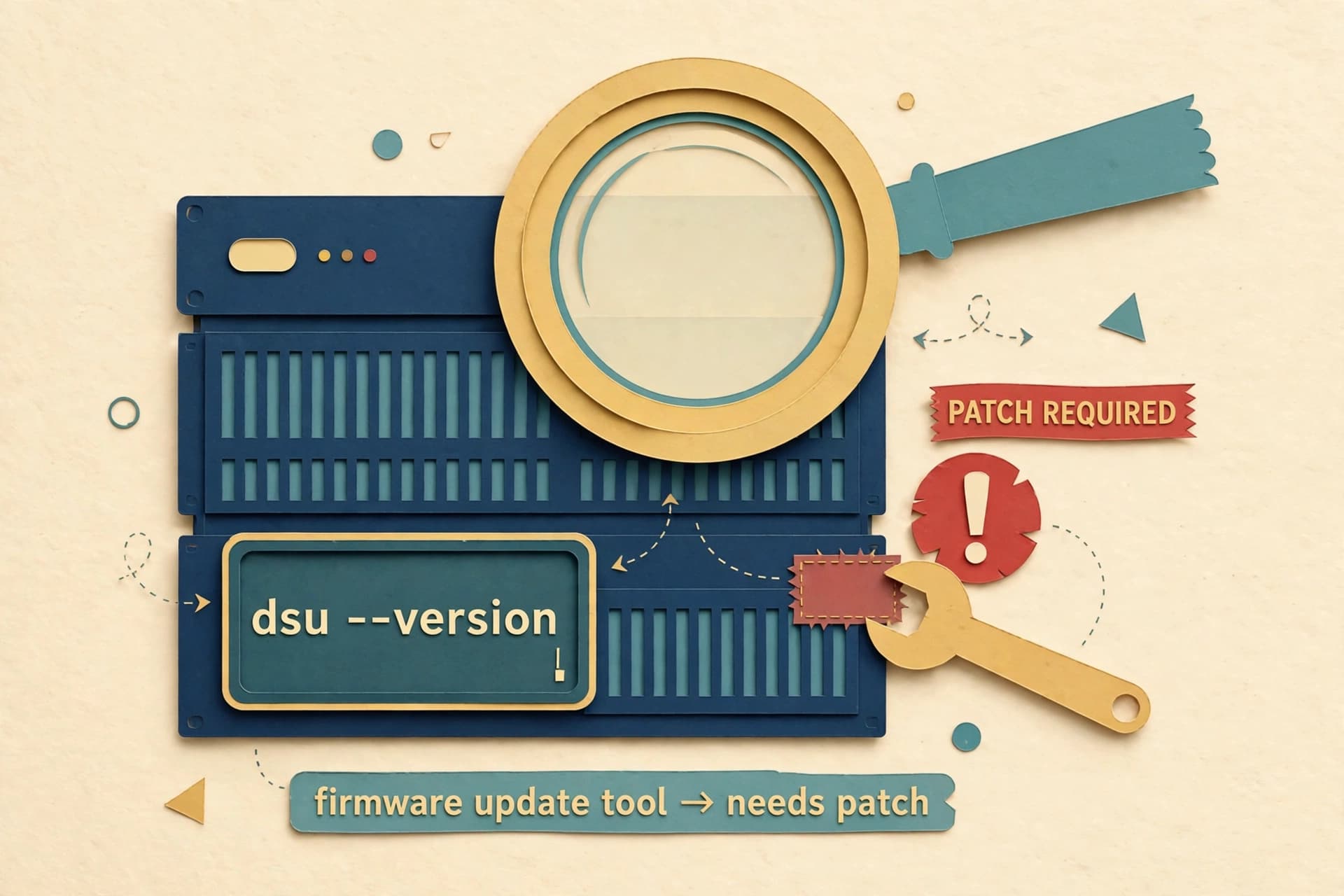
- Linux PowerEdge hosts: DSU ships as the
dell-system-updatepackage. SSH through your fleet and run the version command Dell documents:
dsu --version
- Windows Server / Azure Stack HCI hosts: check installed programs on each host:
Get-ItemProperty 'HKLM:\SOFTWARE\Microsoft\Windows\CurrentVersion\Uninstall\*' |
Where-Object { $_.DisplayName -like '*Dell System Update*' } |
Select-Object DisplayName, DisplayVersion
- ESXi hosts: DSU also runs against VMware ESXi environments, so check any host or management station where you run it for ESXi updates.
Include the standalone boxes and the ones outside central management. The odd server in the corner of the rack counts.
2. Flag anything older than 2.3.0.0
Dell's advisory is unambiguous: every DSU version prior to 2.3.0.0 is affected by all five CVEs. That is your line. Sort your inventory into two lists: below the line (patch immediately) and at or above it (verify and move on).
3. Download the fixed build from Dell and verify it
Get DSU 2.3.0.0 or later from Dell's support site. The advisory names 2.3.0.0 as the minimum fixed version, and Dell's support site already lists newer material such as 2.3.0.1, so treat "or later" as the instruction. Compare the checksums Dell publishes before you deploy the package anywhere.
4. Upgrade one host first, then the fleet
Install the new DSU on a single non-production host, confirm dsu --version reports the new build, and run your normal update pass against it before rolling the rest. This is the same boring change discipline you would apply to any agent that runs as root on every server you own.
5. Restrict who can run DSU until the fleet is patched
This is general hardening, not a Dell-documented mitigation, because Dell listed no workaround. While unpatched copies exist, limit which accounts can execute DSU and which catalogs or repositories it is pointed at. Fewer hands on the privileged tool means fewer paths for the flaw to be reached.
6. Put Dell CSM on the same change window
If you run Dell Container Storage Modules, the two maximum-severity flaws disclosed the same day need their own patch plan. Do not let a second advisory on the same vendor fall through the cracks while you are focused on the first.
Why this one deserves a tutorial instead of a shrug
Vulnerabilities in management and update software keep showing up because these tools are exactly what an attacker wants: already installed everywhere, already trusted, already running as root. The same story played out with the Dell dbutil driver years ago, and again this year with Dell RecoverPoint on ESXi hosts. The pattern is consistent enough that it should be a permanent line item in your security thinking, not a reaction to one advisory.
The boring version of the lesson: keep an inventory of your update tooling itself, not just the systems it updates. The tools that patch everything else are the ones you forget to patch.
Sources
- New Dell System Update flaw lets hackers gain root privileges — BleepingComputer, October 5, 2026
- Dell Urges Customers to Patch Critical DSU Flaw That Can Give Attackers Root Access — Security Affairs, October 5, 2026
- Dell System Update (DSU) path traversal (DSA-2026-324) — Threadlinqs threat brief, published October 5, 2026
- Dell DSU CVE-2026-86360: Patch PowerEdge Servers for Critical Root Code Execution — WindowsForum, October 5, 2026
- DELL EMC System Update Version 1.6 User's Guide — Dell (documents
dsu --versionon Linux and Windows)
Dell's own advisory (DSA-2026-324, KB 000515843) is the primary source behind the coverage above; start there for the official affected-versions list and the download.