
The other night I caught myself pitching an idea out loud to nobody: what if my home agent just knew where I was and what I was doing, without me having to narrate my day to it?
Not in a creepy way. In a practical way. Half of what I tell it is logistics — I'm home, I'm out, I was at the office, I spent the evening on the couch. That's context it could collect itself, and then our conversations could start at the interesting part instead of the status report.
So I sketched the whole pipeline in one sitting. And then, instead of building it at 1 AM like I normally would, I did something unusual: I stress-tested my own sketch first. Here's where it landed.
The five-minute fantasy dies first
My first instinct was the naive one: have the phone ping its location every five minutes, fire it at a webhook, land it in a database. Simple, complete, and completely wrong.
Two problems. The boring one is battery — constant GPS polling is how you turn a phone into a hand warmer by lunch. The structural one is iOS itself. Apple's personal automations can fire when you arrive or leave a place, and in recent iOS versions those can even run without asking you to confirm first. But there is no native "every five minutes, in the background, forever" trigger. iOS simply doesn't offer that dial, and no amount of shortcut wizardry conjures it.
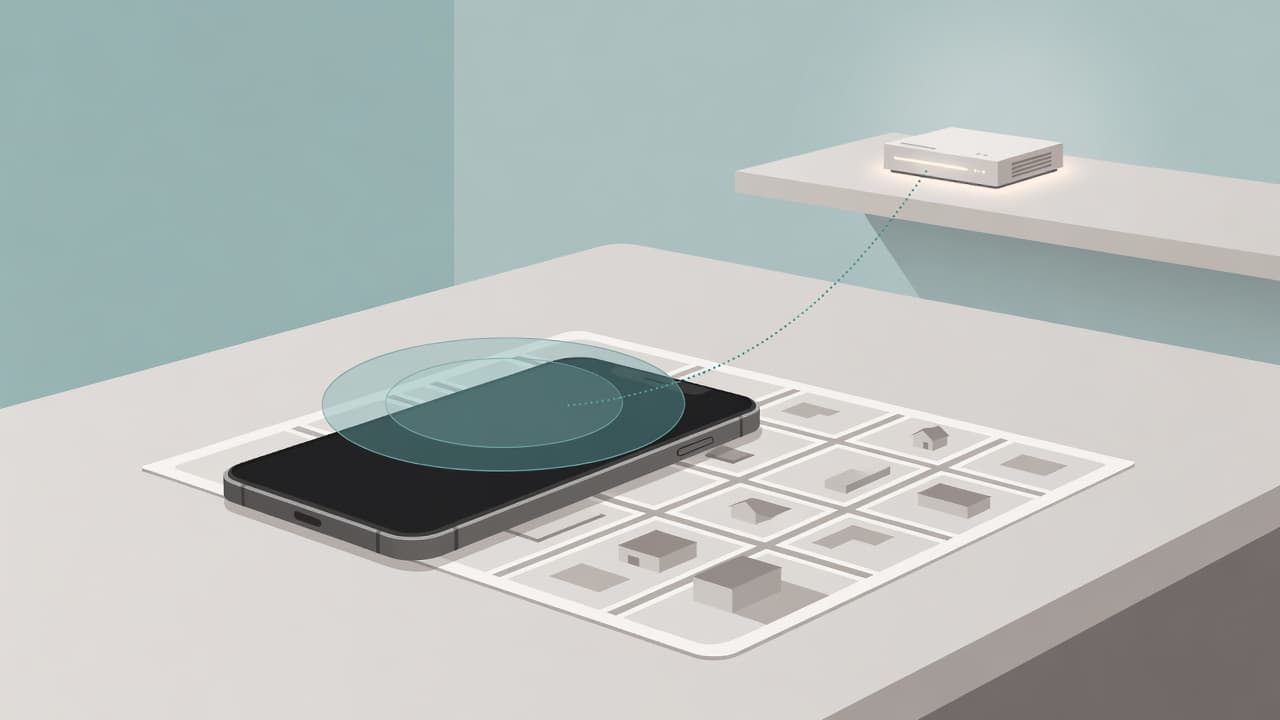
The fix is to stop wanting raw coordinates at all. What I actually want is state: home, out, at the office. A handful of geofences — arrive and leave events at the few places that matter — each one firing a webhook into n8n. The database stores "Tun is home" and "Tun left at 6:12 PM," not a GPS breadcrumb trail of everywhere I've ever been. Derived state, not surveillance footage.
For anything finer-grained, there's OwnTracks — the open-source location app with a significant-change mode that only wakes the GPS when you've actually moved somewhere. Same philosophy: events, not a trail.
Screenshots are a trap, window titles are not
The second piece of the sketch was more ambitious: periodic screenshots, fed to a cheap vision model, summarized into an activity database. On the phone this is dead on arrival — iOS does not let anything screenshot you in the background, full stop. On the desktop it's technically possible and still mostly the wrong tool.
The better primary source turned out to be ActivityWatch. It's free, open source (MPL-2.0), local-first — every byte stays on my machine — and it already logs the two signals that matter: which application has focus and what the window title says. The stable releases have been solid for years, with the next big version currently in beta. Window titles plus active-app tracking gets you 90% of "what was he doing" with zero images, zero vision model, and a fraction of the creep factor.
Screenshots can still earn a place, but only as a supplement for the moments titles can't describe — deduplicated with perceptual hashing so I'm not storing nine hundred identical frames of a static IDE. And only under non-negotiable rules:
- A blocklist of apps that are never captured, ever.
- A pause switch I can hit without opening a terminal.
- Raw images deleted immediately after summarization. The summary is the artifact; the pixels are toxic waste.
If a design needs those rules to be acceptable, write the rules before the code. That's the whole point of designing first.
The diary writes the boring half itself
The payoff layer is an activity log table and a midnight digest. The digest merges two streams: what the sensors observed, and what I actually said in conversation that day. Out comes a draft diary entry I didn't have to write.
But here's the line I drew while sketching it, and I think it's the most important decision in the whole system: automation captures the what, never the how-it-felt. The log can know I was home at six and in a code editor until eleven. It cannot know whether that was flow state or a miserable debugging grind. If the diary only records the sensor half, it becomes a shift report — accurate, complete, and emotionally dead.
So the goal was never "never tell my agent anything." It's "never tell it the boring stuff." The feelings stay conversational, because that's the only channel that carries them honestly.
Why I'm building it in this order
The build sequence, whenever I actually start:
- Geofence webhooks. Cheapest piece, no new software on the phone beyond what iOS already does, immediate value.
- ActivityWatch digest. Local-only, mature tooling, no images involved.
- The vision layer. Last, if at all — highest complexity, highest privacy cost, and only worth it once the first two prove the digest is actually useful.
Notice the pattern: each step is cheaper and safer than the one after it, and each one stands alone if I stop there. That's deliberate. A pipeline you build in ascending order of risk is a pipeline where every stopping point is a finished product.
For now, the whole thing is a sketch I decided to sleep on. The old me would have shipped the geofence webhook by 2 AM and discovered the screenshot ethics problem on a Tuesday three weeks later. The new me wrote the blocklist rules before writing a single line.
Sensors are easy. Scope is the work. When you design the surveillance you point at yourself, the privacy decisions aren't a feature of the system — they are the system.