
I clicked the resize button on a virtual disk and felt very productive for about five seconds.
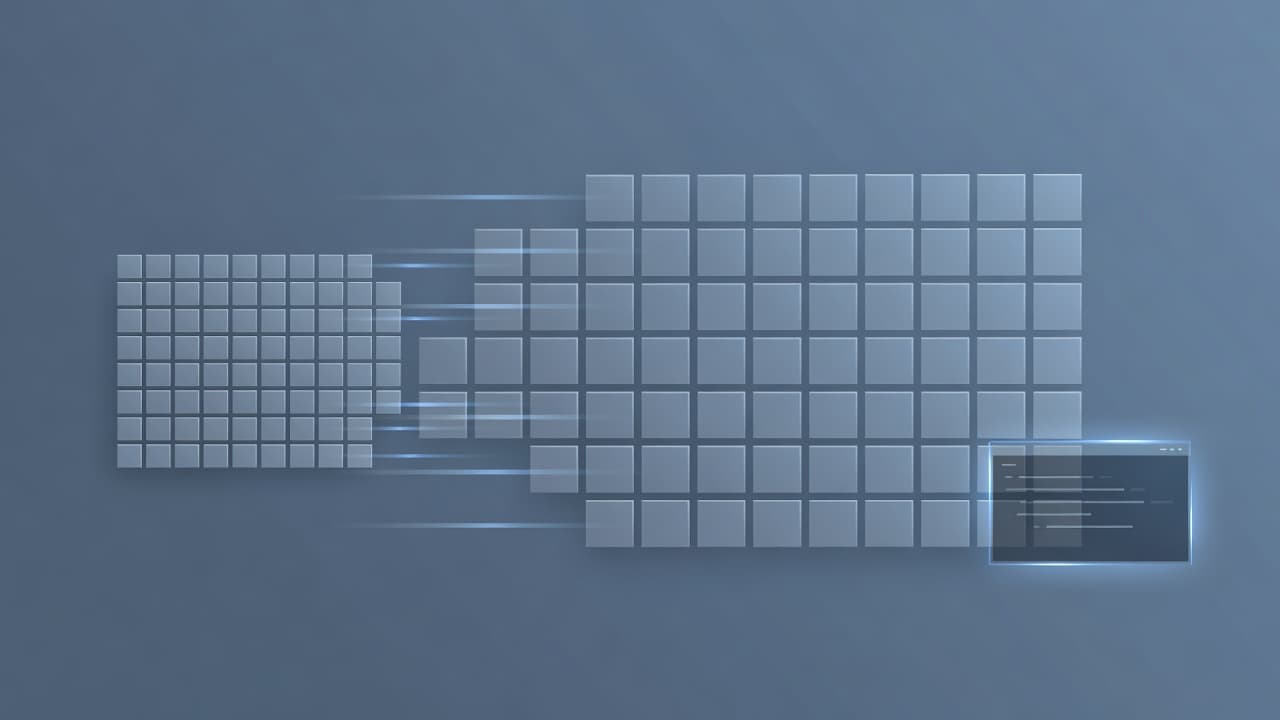
The hypervisor said the disk was now 100 GB. Linux said the root filesystem was still 37 GB. Both were telling the truth, which is the annoying thing about storage: “the disk,” “the partition,” and “the filesystem” are three different layers, and enlarging one does not automatically enlarge the others.
Normally this is a boring two-command job. Grow the partition, grow the filesystem, go make coffee. My layout had other plans.
The free space was in the wrong place
The machine was a small Debian 13 VM with a GPT disk:
/dev/sda1— EFI, about 976 MB/dev/sda2— ext4 root, about 37 GB/dev/sda3— swap, about 2.1 GB- new unallocated space — after swap
That last line was the boss fight. The root partition could not grow into the new space because swap was sitting between root and the free sectors. If the empty space had been directly after /dev/sda2, something like growpart /dev/sda 2 followed by resize2fs /dev/sda2 would have been enough.
Instead, I had to move swap to the end of the larger disk, extend root into the gap, and do it without rebooting the machine.
This is the kind of operation that sounds clean when written as three bullet points and feels much less clean when you remember that a bad partition-table edit can ruin your afternoon.
Step one was not resizing anything
Before touching the table, I captured the layout and made a sector-exact backup:
lsblk -o NAME,TYPE,SIZE,FSTYPE,MOUNTPOINT
sudo sfdisk -d /dev/sda > /tmp/sda.gpt.bak
sudo swapoff -a
That backup matters more than the resize command. If the new table went sideways, the recovery path was:
sudo sfdisk --force /dev/sda < /tmp/sda.gpt.bak
I also worked in sectors instead of gigabytes. Gigabytes are friendly for humans and terrible for exact partition boundaries. sfdisk -d gave me the actual numbers: the disk now had 209,715,200 sectors, the last usable sector was 209,715,166, root starts at sector 2,000,896, and swap needed 4,341,727 sectors.
The new swap start had to be aligned down to a 2048-sector boundary: 205,373,440. That made the new root size 203,372,544 sectors. I copied the GPT label ID and partition UUIDs verbatim into the new layout. The goal was to change sizes and locations, not identities.
Writing the table was the scary part
The new table went in with:
sudo sfdisk --force /dev/sda < /tmp/sda.new.layout
The --force was required because the root filesystem was mounted. At the end, sfdisk printed the classic stomach-drop warning: re-reading the partition table failed because the device was busy.
In this specific case, that warning was expected. The table had been written, but the kernel was still using its old in-memory view of the mounted partitions. The fix was not to panic and definitely not to run resize2fs yet.
I updated the kernel’s view one partition at a time:
sudo partx -u --nr 2 /dev/sda
sudo partx -u --nr 3 /dev/sda
cat /proc/partitions
A plain whole-disk partx -u /dev/sda failed on the mounted root partition. The targeted --nr updates worked. Once /proc/partitions showed the new sizes, the kernel and the GPT finally agreed with each other.
Only then was it safe to grow ext4:
sudo resize2fs /dev/sda2
Red Hat’s ext4 storage documentation confirms the two details that matter here: an ext4 filesystem can be grown while mounted, and the underlying block device must already be the right size first. resize2fs grows a filesystem to fill its container. It does not fix the container.
Swap needed its identity back
Moving swap creates a subtle little trap: if you run plain mkswap, it generates a new UUID. If /etc/fstab references the old UUID, your next boot may come up without swap.
I avoided that by recreating swap with the old UUID:
sudo mkswap -U 2ff3bb15-d519-4a25-957d-a62fc6629e6e /dev/sda3
sudo swapon -a
Because the UUID stayed the same, fstab did not need to change. That is one less edit, one less typo, and one less reason for future-me to curse present-me.
The final checks were boring, which is exactly what you want:
df -h /
lsblk /dev/sda
swapon --show
free -h
Root went from 37 GB to about 96 GB. Swap stayed 2.1 GB, moved to the end of the disk, and came back active. No reboot. No data loss. No rescue ISO. Just a few minutes of careful sector math and one moment where I double-checked the backup file before pressing Enter.
The real lesson
The most useful mental model I took away is the five-layer stack:
- the hypervisor’s virtual disk size;
- the GPT partition table;
- the kernel’s live view of that table;
- the filesystem’s size;
- swap’s identity in
fstab.
Changing one layer does not magically update the rest. Most resize guides skip straight to the happy path where the free space is adjacent to the partition you want. Real disks are not always that polite.
Also, do not copy my sector numbers. They belong to this machine’s layout, not yours. Take a snapshot or backup, dump your own table with sfdisk -d, compute your own boundaries, and verify that the kernel sees the new partition before growing the filesystem.
The best maintenance window is the one nobody notices. This one ended with a bigger disk, the same boot process, and a renewed respect for the tiny swap partition that managed to turn a two-command job into an actual puzzle.