
Most version numbers are a nudge. A major version is a decision. n8n 3.0 is the second kind: a migration with a version number attached, not an update to click through on a quiet afternoon.
The n8n docs say it plainly. Version 3.0.0 is currently available as an early access release, and before you upgrade you should use the migration tool at Settings > Migration Report. That ordering matters. The report tells you, for your own instance, which workflows will stop and which settings will change. Read it first.
The report is the starting point, not the changelog
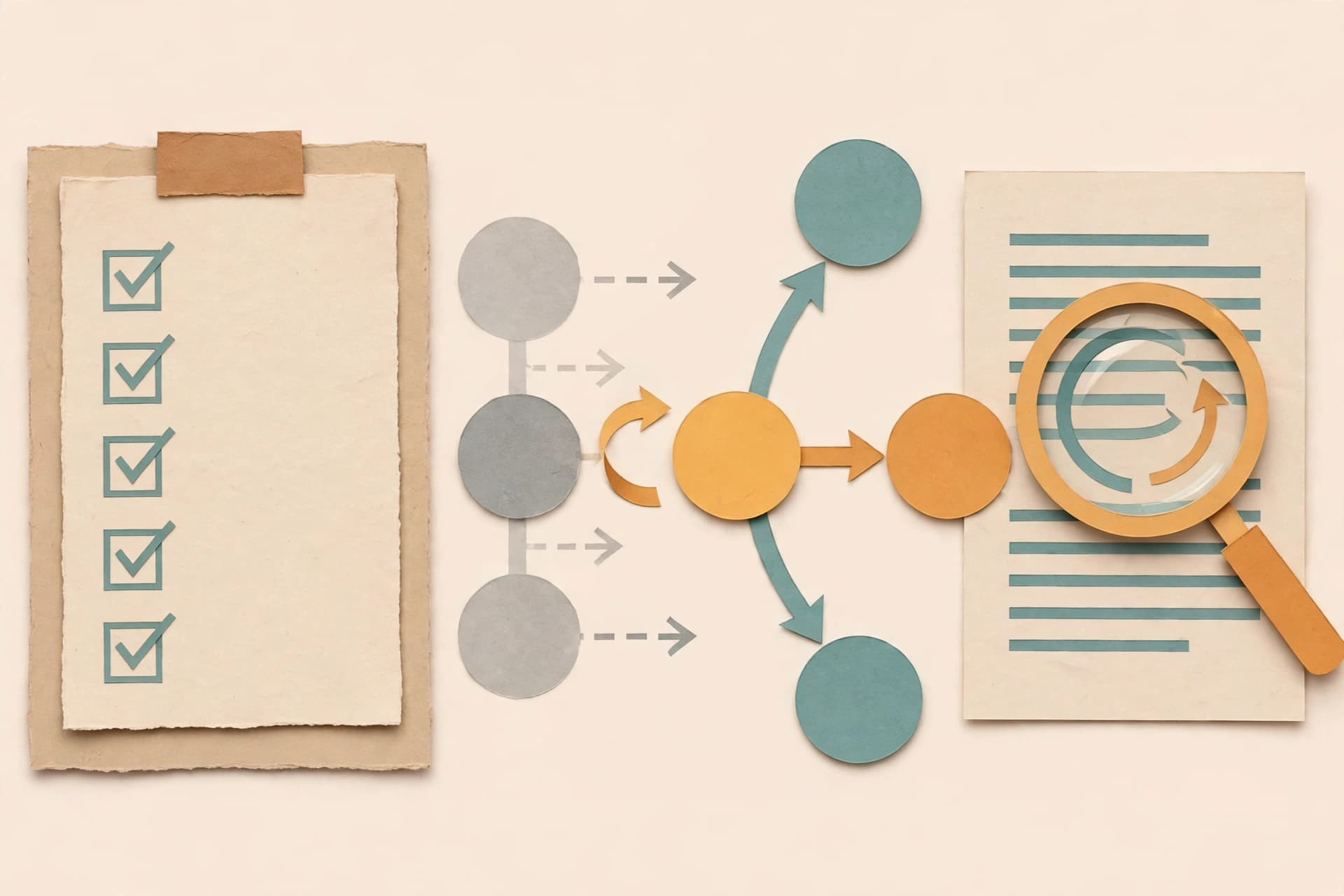
The Migration Report scans your instance and lists the workflows and settings that 3.0 changes, so you can fix them before you upgrade. It has two tabs: Workflow issues and Instance issues. The first covers nodes and workflows. The second covers whole-instance configuration, such as environment variables, and only owners and admins see it.
A compatibility summary shows how many workflows are compatible with 3.0. Each issue carries an impact level: Upgrade blocked, Executions will fail, Executions might fail, Behavior changes, or Capability removed. Fix the blocked and failing ones first.
For some issues, n8n can rewrite the affected nodes for you: a Migrate button appears where that applies, for example replacing a Cron node with a Schedule Trigger node. Test a migrated workflow before you publish it. The migration covers the node change only.
An empty report does not mean there is nothing to check. It means the tool found nothing to fix, and the docs still say to review the breaking changes for changes it cannot detect.
The old nodes are gone, and gone means stopped
This is the change most readers will feel first. n8n 3.0 removes older nodes, modes, and helpers that newer patterns have replaced. Workflows that use a removed node fail when they run. If such a workflow is published, it does not activate when 3.0 starts, so its triggers stop firing. The scheduled work simply stops happening.
The names readers are most likely to meet are the Function node, the Cron and Interval nodes, and the legacy OpenAI node. Function and Function Item give way to the Code node, Cron and Interval give way to the Schedule Trigger, and the legacy OpenAI node gives way to the current OpenAI node. The full list is longer, covering old binary-file, chat, memory, and vector-store nodes. The report lists the affected workflows on your instance.
Two removals deserve their own mention. The AI Transform node can no longer be added or run, and the report can migrate it only when it already generated code. And version 1 of the AI Agent node is removed with its older modes: SQL Agent, Conversational Agent, OpenAI Functions Agent, Plan and Execute Agent, and ReAct Agent. The latest version replaces them all with Tools Agent.
Deployment is now Docker or nothing
Self-hosted n8n requires a Docker-based deployment in 3.0. The release no longer supports installations run with npm or npx n8n, and it publishes no runnable n8n package to npm. If you run n8n that way today, moving to Docker comes before the upgrade, not after it. If you already run your own Docker Compose file, you do not need to switch.
Check how your instance actually runs before you check anything else, and back up the database first.
The defaults that will catch a working instance
Removed nodes get the attention. Changed defaults cause the surprises:
| Change | Old default | New default | What to check |
|---|---|---|---|
| Unverified community packages | Enabled | Disabled | Installed unverified nodes stop loading. Set N8N_UNVERIFIED_PACKAGES_ENABLED=true or move to verified nodes. |
| Task runner timeout | 300 seconds | 60 seconds | A task that ran 90 seconds now fails at 60 unless you set N8N_RUNNERS_TASK_TIMEOUT. |
| Storage directory | ~/.n8n/binaryData |
~/.n8n/storage |
n8n will not start if both directories exist. Move a volume mounted at the old path. |
| Compression limits | 2 GiB, 5,000 entries | 256 MiB, 1,000 entries | The Compression node fails above either limit unless you set the variables explicitly. |
Encryption key rotation is now on by default, where self-hosted instances previously had to opt in. Credentials encrypted before the upgrade stay readable. In-memory binary-data mode is removed; instances using it switch to filesystem mode.
Two narrower defaults are sharper still. A Slack API credential now requires a signing secret: Slack Trigger workflows fail to publish without it, and published ones do not activate after the upgrade. And the SSRF default block list grows by four ranges when protection is on with default: ::/128, 100.64.0.0/10, 2002::/16, and 64:ff9b::/96.
The quiet behavior changes
Some nodes stay available but behave differently. These pass a quick smoke test and fail a real week:
- Gmail Trigger. Versions 1 to 1.3 now run with version 1.4 behavior. Drafts are skipped unless you turn on Include Drafts, at most 10 emails are picked up per poll by default, and sent or scheduled emails no longer trigger the workflow.
- Chat Trigger. WebSocket frames are now JSON objects with a
typefield, such asmessageorheartbeat. A custom chat client reading raw strings needs to parse JSON and switch on the type. - Always Output Data. On multi-output nodes, an empty item is now added only when every output is empty. Previously each empty output got one, so branches could run when they should not have.
- Queue mode. Manual executions always run on workers. Review worker memory, since workers now handle manual runs too.
- Chat Hub. Off by default, so its section disappears and its endpoints stop responding. Sessions stay in the database, and it can be kept for the 3.x line with
chat-hubinN8N_ENABLED_MODULES. - Small retirements. Import from URL leaves the editor, and the Ask AI tab leaves the Code node. Code already generated with Ask AI stays in place and keeps running.
How to judge whether you are ready
Answer these before the upgrade:
- Does the report show any Upgrade blocked or Executions will fail issues, and are your busiest workflows already fixed?
- Is the instance already on Docker?
- Have the changed defaults been checked: unverified nodes, task timeouts, storage mounts, compression sizes, Slack secrets, and SSRF ranges?
- Have the behavior changes been checked against the workflows that depend on them, especially Gmail triggers and custom chat clients?
- Has a migrated workflow been run on a copy and compared against its old output?
If any answer is no, wait and test. This is an early access release, and testing on a copy is the only way to know whether the workflows you depend on are the ones the report already cleared. Read the report, check the defaults, test on a copy, and let the evidence decide.
Sources
- n8n 3.0 breaking changes — n8n Docs, accessed November 3, 2026.
- n8n 3.0 migration tool — n8n Docs, accessed November 3, 2026.